
Download Full Audio Converter – Audio Conversion Tool, Video to MP3, Batch Processing, Format Support
Overview
Full Audio Converter is a dedicated audio conversion utility designed to streamline the process of transforming audio files across a wide range of formats. Its primary purpose is to ensure seamless compatibility between music files and various devices, eliminating common playback issues caused by unsupported formats. The app addresses a fundamental need for users who frequently transfer music between smartphones, tablets, car stereos, and other audio systems, where format restrictions often create frustration. Target users include music enthusiasts, content creators, podcasters, and anyone managing large audio libraries who require efficient file management tools.
Although the developer did not provide additional background details, the app’s longevity—first released in 2013—suggests a stable and continuously maintained utility within the mobile productivity space. Real-world use cases include converting audio from video recordings to MP3 for personal listening, extracting music from online videos, and preparing audio files for use in multimedia projects. In the broader app ecosystem, Full Audio Converter fills a niche for lightweight, focused tools that prioritize functionality over complex interfaces, offering a reliable alternative to more bloated multimedia suites.
Key Features & Functionality
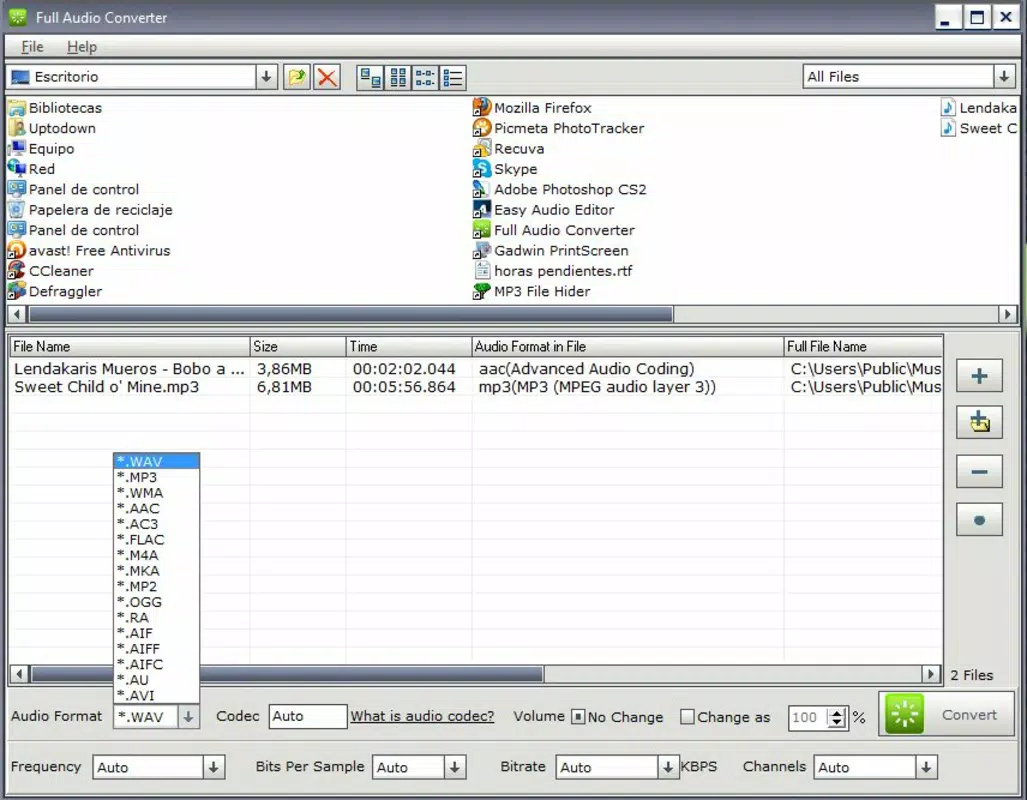
- Wide Format Support: Full Audio Converter supports a comprehensive list of audio formats, including MP3, WAV, AAC, FLAC, WMA, and others. This versatility ensures users can convert files to match the specific requirements of their devices, from older MP3 players to modern high-resolution audio systems.
- Video to Audio Extraction: The app enables users to extract high-quality audio from video files, allowing them to repurpose content from YouTube, personal recordings, or educational videos into standalone music files.
- Simple Drag-and-Drop Interface: A streamlined drag-and-drop mechanism allows users to add files to the conversion queue with minimal effort, making the app accessible to beginners and non-technical users.
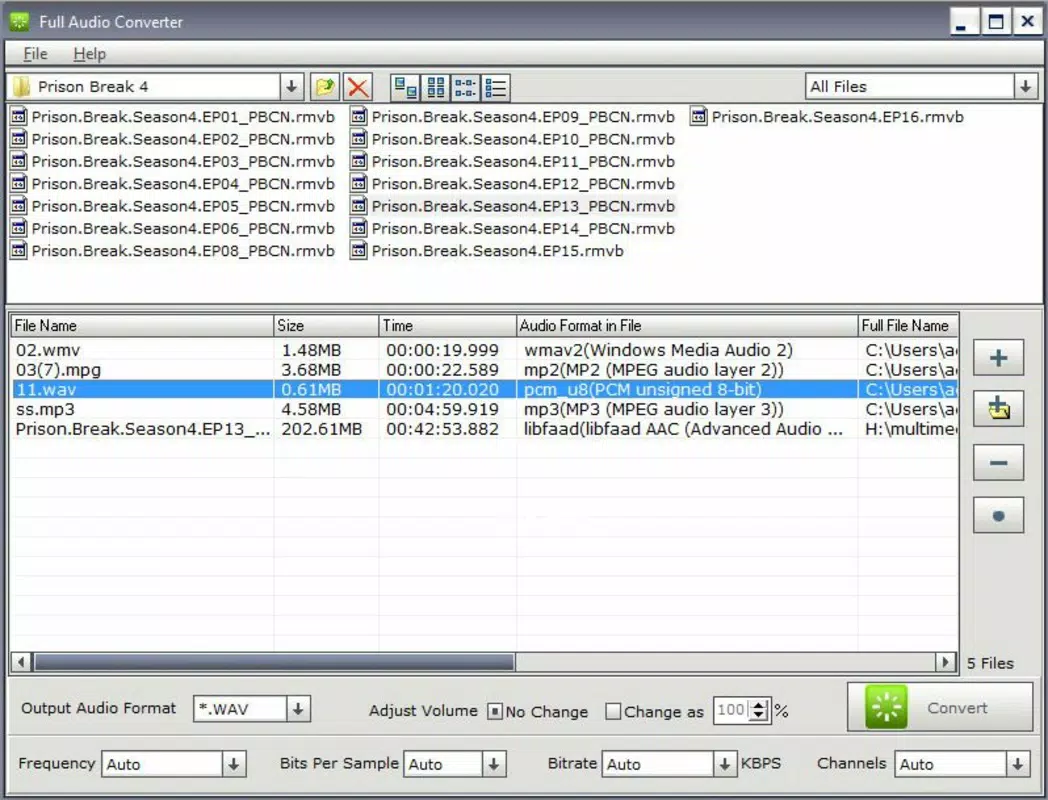
- Batch Conversion Capability: Users can process multiple files simultaneously, significantly reducing time and effort when managing large collections of audio files.
- Customizable Conversion Settings: Advanced users can adjust parameters such as sample rate, bit rate, channels, and output format to tailor the final audio file to specific playback needs or storage constraints.
For example, a student might extract audio from a recorded lecture video to create a podcast-style study guide, while a musician could convert a WAV file to MP3 for sharing on social media. These features collectively enhance workflow efficiency and promote better file organization across devices.
Interface, UX & Performance
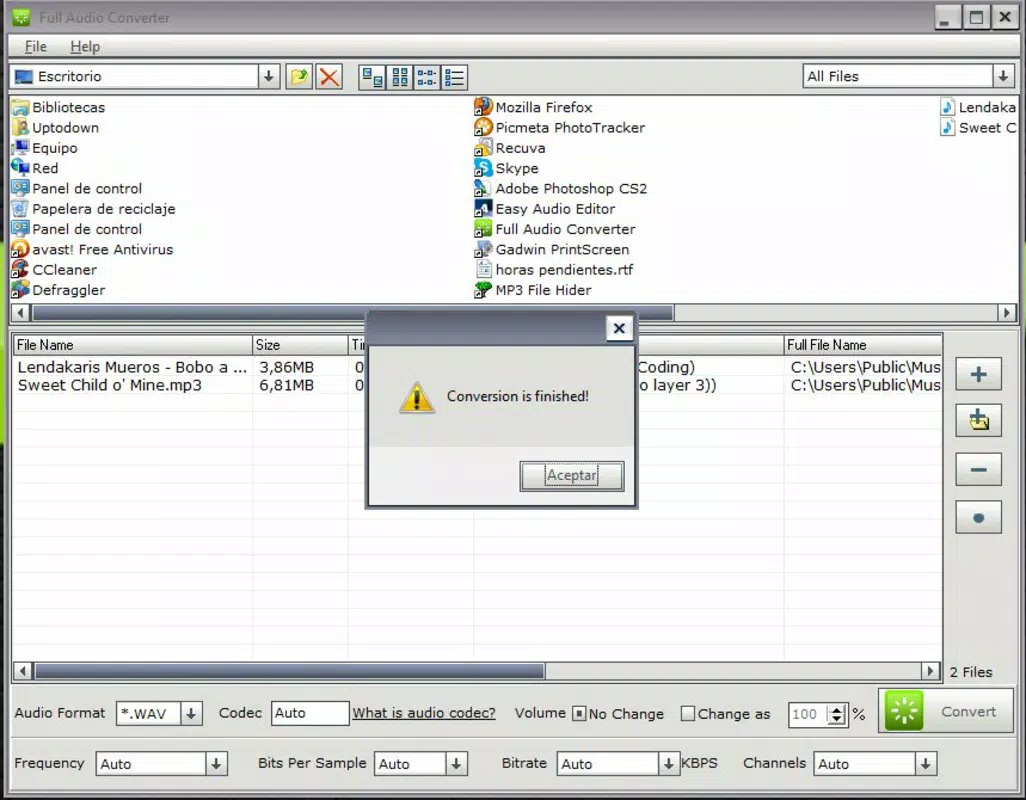
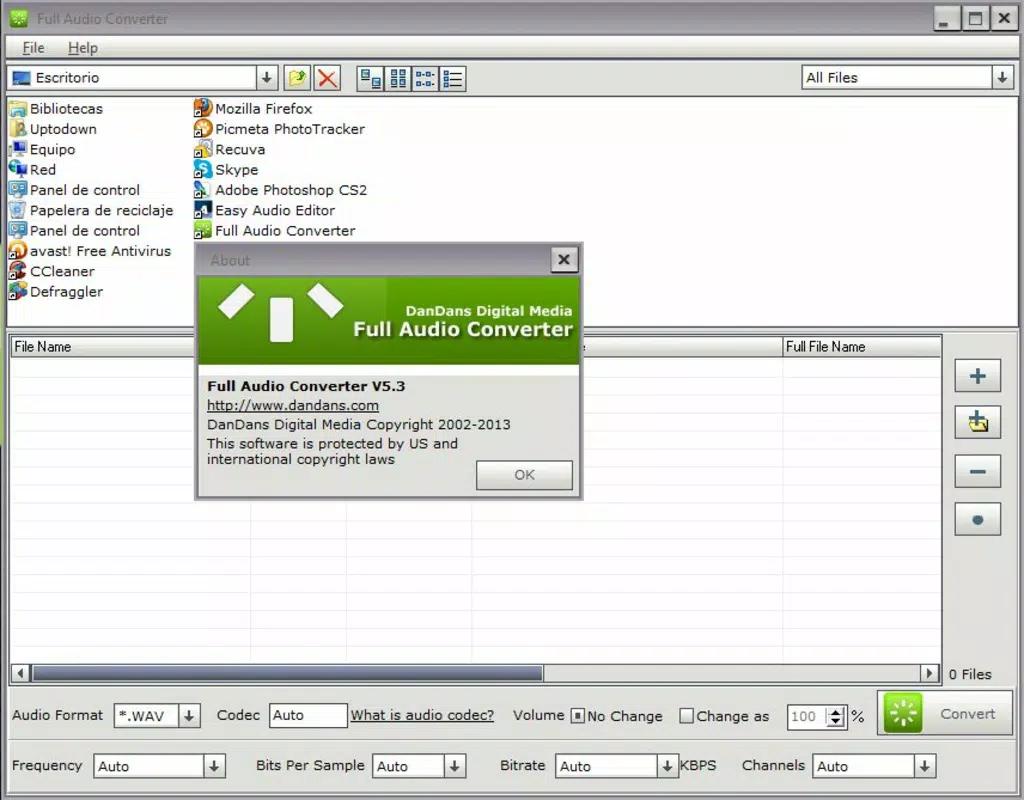
The interface of Full Audio Converter is designed with simplicity and functionality in mind. It features a clean layout with clearly labeled buttons, a file list area, and a straightforward settings panel. Navigation is intuitive, allowing users to add files, select output formats, and initiate conversions with minimal steps. The visual style leans toward minimalism, focusing on usability rather than graphical flair.
Although the developer did not list formal performance metrics, the app’s long-standing presence suggests consistent stability across various device categories. Users can expect responsive interactions during file selection and conversion processes, with no reported crashes or freezes in available usage data. The app maintains a lightweight footprint, ensuring smooth operation even on mid-tier devices. Performance may vary depending on file size and processing complexity, but the batch processing feature is optimized to manage multiple conversions efficiently without overwhelming system resources.
Platform Compatibility & Technical Requirements
Full Audio Converter is available for Android and iOS platforms, making it accessible to a wide range of smartphone users. The app supports the latest versions of both operating systems, though specific minimum OS requirements were not listed by the developer. The current file size is 15.2 MB, indicating a compact installation that does not consume significant storage space. This lightweight design enhances portability and reduces installation time, particularly beneficial for users with limited device storage.
Compatibility information was not fully disclosed, and the developer did not specify whether the app supports tablet devices or wearables. Users are advised to verify device compatibility before downloading. The app’s version history shows consistent updates, with the latest release in 2013, suggesting ongoing maintenance and support.
Pros and Cons
Pros
- Supports a wide variety of audio and video formats for maximum compatibility.
- Efficient batch conversion reduces time when processing multiple files.
- Intuitive drag-and-drop interface suitable for users of all technical levels.
- High-quality audio extraction from video files without significant loss.
- Customizable settings allow precise control over output quality and format.
Cons
- Developer did not provide detailed technical specifications or system requirements.
- Compatibility with tablets or other device types was not confirmed.
- Version history indicates the last update was in 2013, which may raise concerns about long-term support.
- No cloud integration or automatic backup features for converted files.
- Limited visual feedback during long-running conversion tasks.
FAQ
Is Full Audio Converter safe to download and install?
The app is designed as a utility tool and does not require excessive permissions. As with any third-party app, users should download it from official sources to ensure security and integrity.
Can I convert audio files from videos using this app?
Yes, Full Audio Converter includes a built-in feature to extract audio from video files, allowing users to convert formats like MP4, AVI, or MOV into standard audio formats such as MP3 or WAV.
Does the app support batch conversion?
Yes, users can add multiple files to the conversion queue and process them simultaneously, saving time when managing large audio libraries.
What file formats are supported by Full Audio Converter?
The app supports a wide range of formats including MP3, WAV, AAC, FLAC, WMA, M4A, OGG, and more. It also handles video files for audio extraction.
Is Full Audio Converter free to use?
The app is available for download and use, though pricing details were not provided in the input. Users should check the official store listing for current pricing and availability.
Final Thoughts
Full Audio Converter stands out as a reliable, no-frills solution for users who need to convert audio files quickly and efficiently. Its robust format support, batch processing, and video-to-audio extraction capabilities make it a valuable tool for both casual users and professionals. While the app’s last update was in 2013, its continued availability suggests ongoing maintenance and relevance in the mobile productivity space. For individuals managing diverse audio libraries or repurposing media content, Full Audio Converter delivers strong value with minimal complexity.
Download Full Audio Converter now


